Computer Hardware Workshop
Department of Information Technology
R.V.S. College of Engineering
07 October 2026 | 9:00 AM – 4:00 PM | IT Lab
About the Workshop
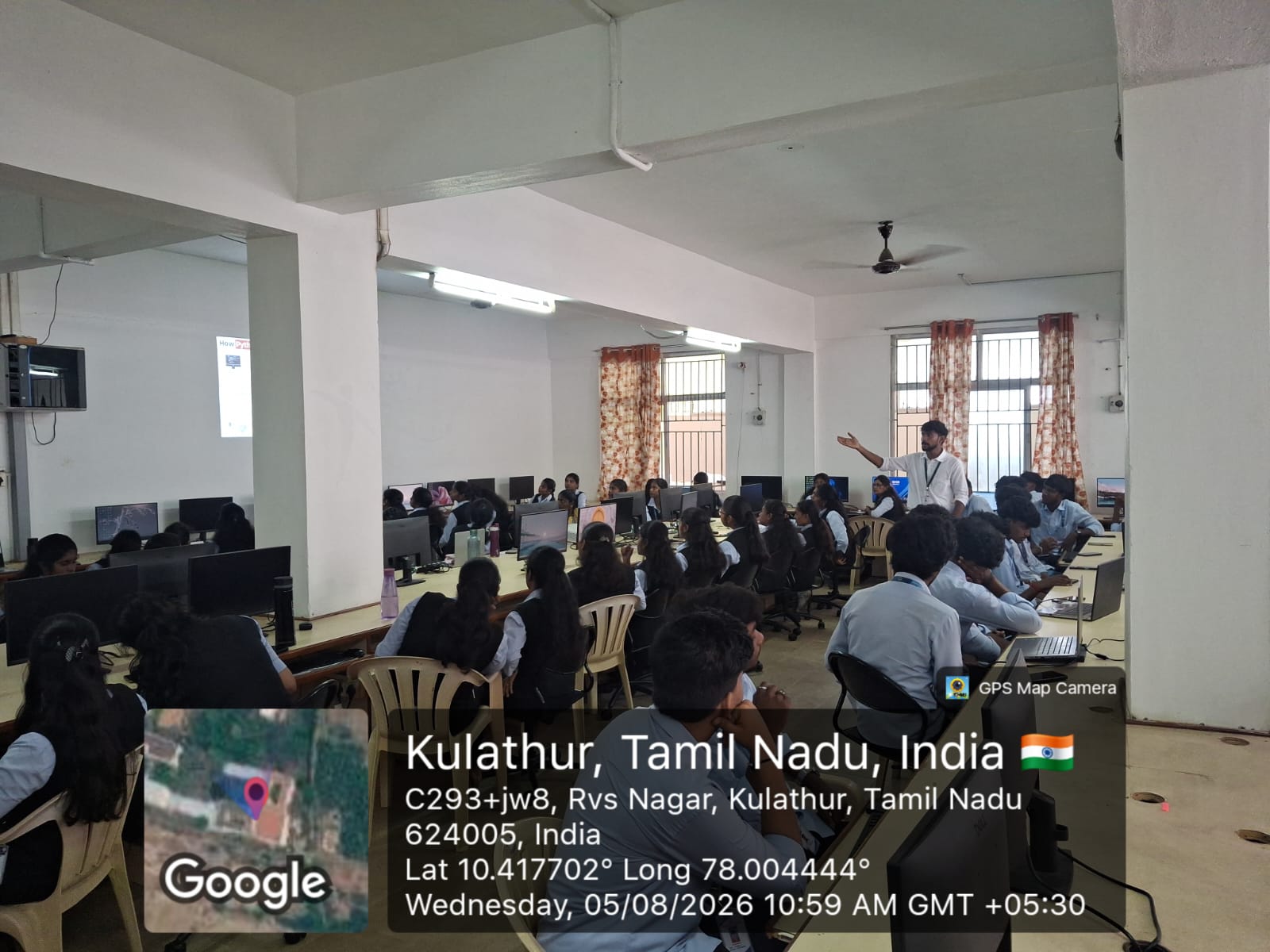
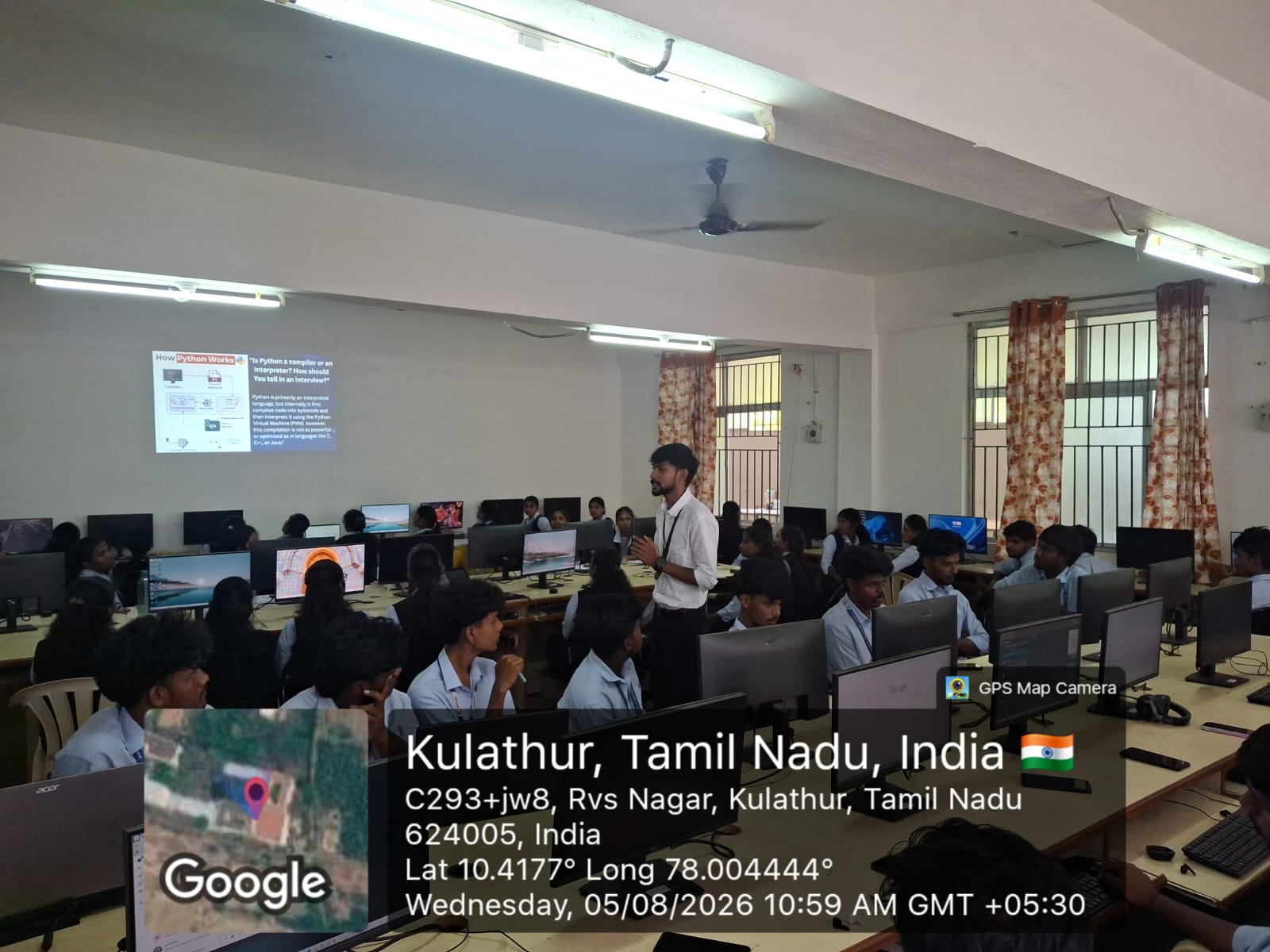
The Department of Information Technology organized a one-day Computer Hardware Workshop under the course Operating Systems as part of the “OBE in Action” initiative. Themed “From Hardware Assembly to OS Configuration — Turning Knowledge into Practical Skills”, the workshop gave final year students direct hands-on exposure to identifying computer components, assembling a system, configuring BIOS settings, installing and operating an operating system, and troubleshooting common hardware problems.
Workshop Information
Date
07 October 2026
Time
9:00 AM – 4:00 PM
Venue
IT Lab
Participants
IV Year IT
Workshop Activities
01 · Identify
- CPU
- Motherboard
- RAM
- SSD / HDD
- SMPS
02 · Assemble
- Install CPU & RAM
- Mount Motherboard
- Connect SMPS
- Install Storage
- Connect Cables
03 · Configure
- BIOS / UEFI
- CMOS
- Boot Sequence
- Hardware Detection
04 · Install & Operate
- Operating System
- Drivers
- System Configuration
- Initial Setup
05 · Troubleshoot
- Power Issues
- No Display
- RAM Problem
- Storage Not Detected
- Boot Failure
Programme Concept & Resource Person
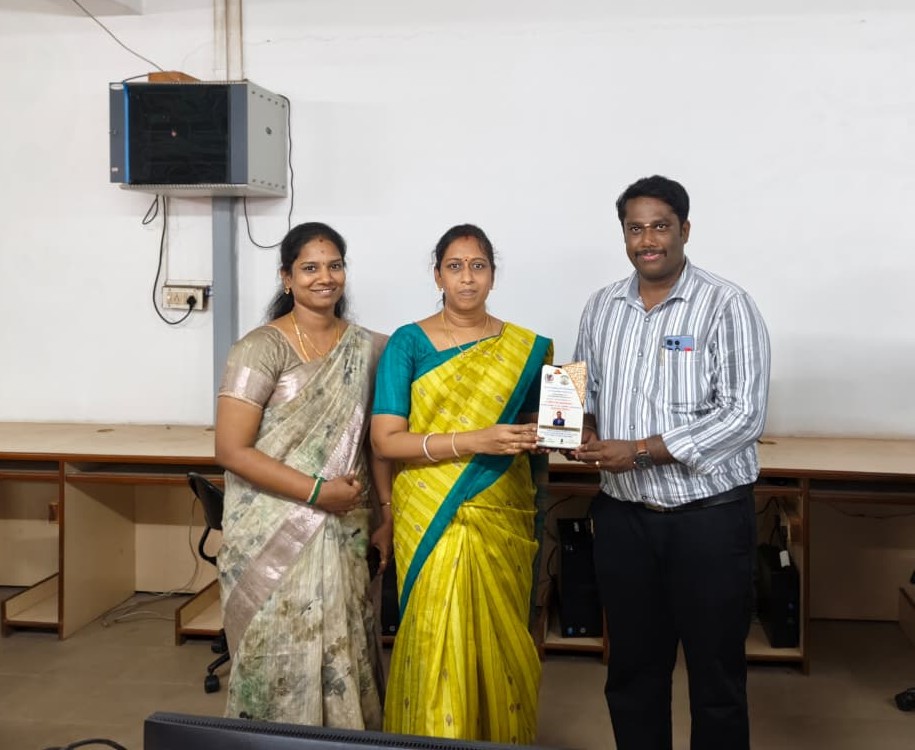
- Mrs. M. Bhuvaneswari, M.E., (Ph.D.) – Head of the Department (Programme Concept & Initiative)
- Mr. R. Subramanian, M.E., (Ph.D.) – Assistant Professor / AI&DS, ERP Head (Resource Person)
Workshop Highlights
- Hands-on identification of core computer hardware components.
- Step-by-step system assembly, from CPU and RAM to storage and cabling.
- BIOS / UEFI and CMOS configuration with boot sequence setup.
- Operating system installation, driver setup, and system configuration.
- Practical troubleshooting of power, display, RAM, storage, and boot issues.
- Outcome-Based Education (OBE) approach linked to the Operating Systems course.
Learning Outcome
Participants gained hands-on experience in assembling, configuring, and troubleshooting computer hardware and operating systems, building real-world skills for future opportunities.
Conclusion
The Computer Hardware Workshop successfully connected classroom learning in Operating Systems with practical lab experience. By guiding students through the complete journey from identifying components to assembling, configuring, installing, and troubleshooting a system, the workshop strengthened their technical confidence and prepared them for real-world roles in the IT industry.